
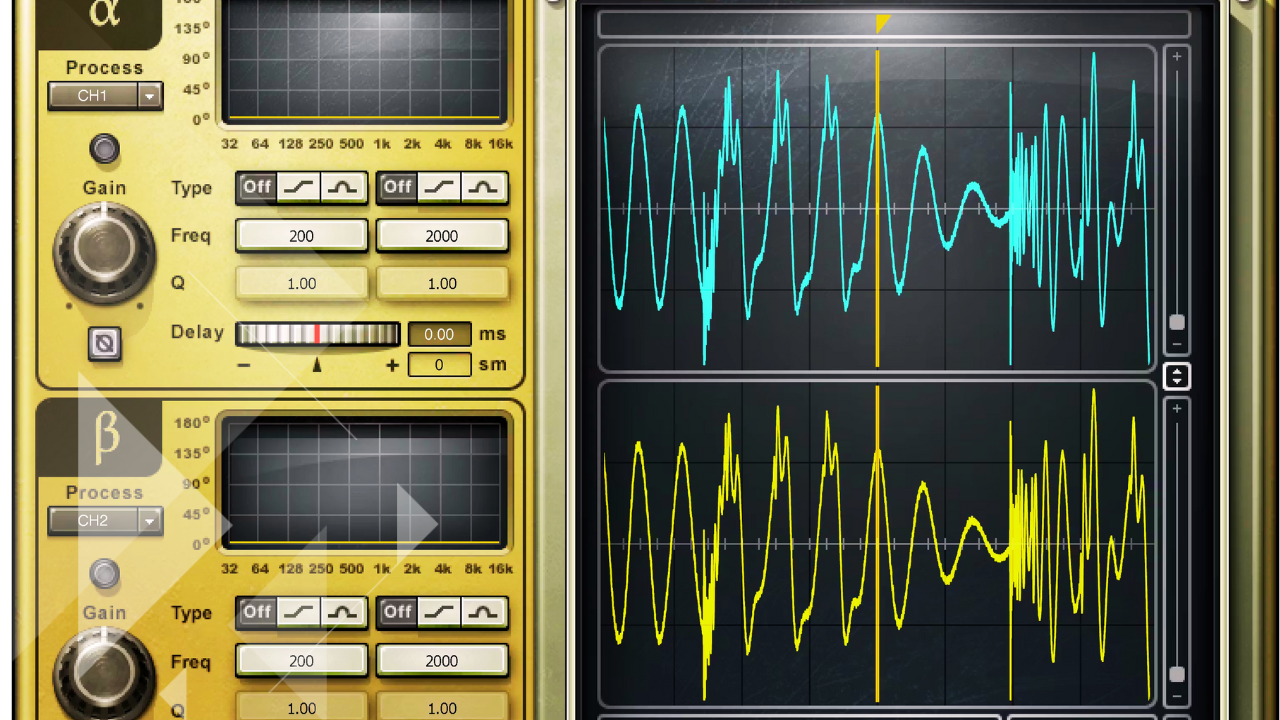
Phase Rotation 101: Fix Invisible Details of Waveform in Audio Mastering
Before any creative decisions are made, before equalization, compression, or loudness targets, every file that arrives goes through a scientific evaluation.
The very first step is not about sound quality in the traditional sense.
It’s not about RMS, and it’s not about loudness.
It’s about internal digital value.
More specifically, it’s about phase rotation, also referred to as file symmetry.
Phase Rotation: What It Actually Means

Phase rotation has to do with the alignment of the positive and negative portions of a waveform as they relate to the center line of zero.
In other words:
- How much waveform data exists above zero
- How much waveform data exists below zero
- Whether those values are balanced
This is not phase in the classic left-right stereo sense.
It’s about waveform symmetry and how digital systems interpret value.
“I’m not talking about RMS. I’m talking about the internal digital value.”
Analyzing a File at the Digital Level
When a song is loaded into the system, the first thing examined is phase rotation across the entire file.

Using a phase algorithm, the software analyzes:
- Total phase rotation across the song
- Specific sections that may be disproportionately offset
- How far the waveform is shifted from true symmetry
For example, a full-song analysis might reveal the file is 38 degrees out.
Once corrected, that value can be brought down to around -2 degrees, which is where it should be.
That adjustment alone brings the waveform back into proper balance.
Why Waveform Symmetry Matters
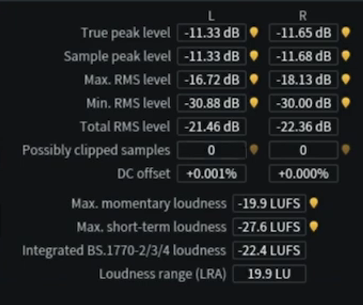
When a waveform contains more data above the center line than below it, the file produces what’s known as a false digital value.
This causes several problems:
- Reduced effective headroom
- Premature digital clipping
- Distortion appearing sooner than expected
Visually, this imbalance is easy to spot:
- The waveform clearly favors the plus side
- The minus side carries less information
“There’s more data above the center line than there is below it. That’s not good.”
Examining Specific Sections of a Song
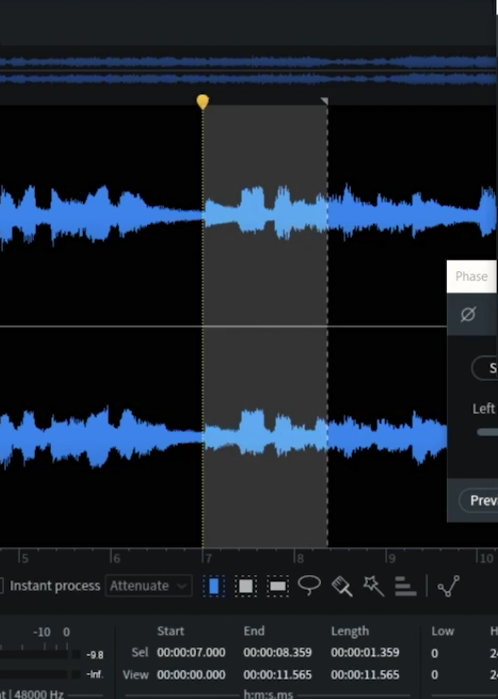
Rather than analyzing only the entire file, individual sections are examined closely.
For example:
- An intro consisting of acoustic guitar and vocal
- A solo instrument passage
- A dynamically exposed section
These areas often reveal extreme asymmetry, sometimes measuring:
- 34 degrees out
- 50 degrees out in certain passages
Once rendered through the phase algorithm, the waveform visibly shifts:
- The data re-centers around zero
- Internal digital values normalize
This correction does not change the perceived loudness.
What Changes—and What Doesn’t
After phase rotation correction:
What Changes
- Internal digital peak value
- Available headroom
- Risk of distortion at high levels
What Does Not Change
- RMS value
- Loudness
- Musical balance
- Automation
- Mix integrity
“The loudness of that section is exactly the same as it would have been had I not changed it.”
In many cases, the corrected file shows:
- A 1 dB reduction in internal digital value
- Increased headroom without sonic alteration
Headroom and the Reality of Modern Mastering
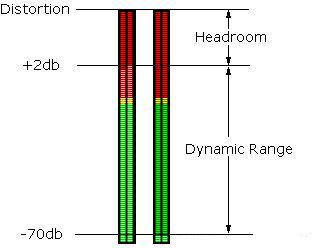
In the context of level competition and loudness expectations, mastering engineers are under constant pressure to maximize output.
Because of that reality:
- Internal digital values must align with RMS levels
- False digital values must be eliminated
- Headroom must be created before processing begins
Once internal digital values are corrected, it becomes possible to:
- Push level higher safely
- Avoid unexpected distortion
- Preserve musical clarity
“It’s incumbent upon us to make sure the internal digital values are in line with what they should be.”
Why This Step Comes Before Listening
This process happens before critical listening.
A brief playback may occur to understand the project context, but scientifically:
- Files are analyzed
- Phase rotation issues are identified
- Corrections are rendered
- Only then does mastering begin
This ensures the file behaves predictably throughout the mastering chain.
A Real-World Example: The Trombone Solo
A practical illustration came from mastering a big band album.
One specific problem section:
- A trombone solo distorted during mastering
- No amount of processing fixed the issue
Upon inspection:
- The waveform showed twice as much value above zero
- The file was severely out of symmetry
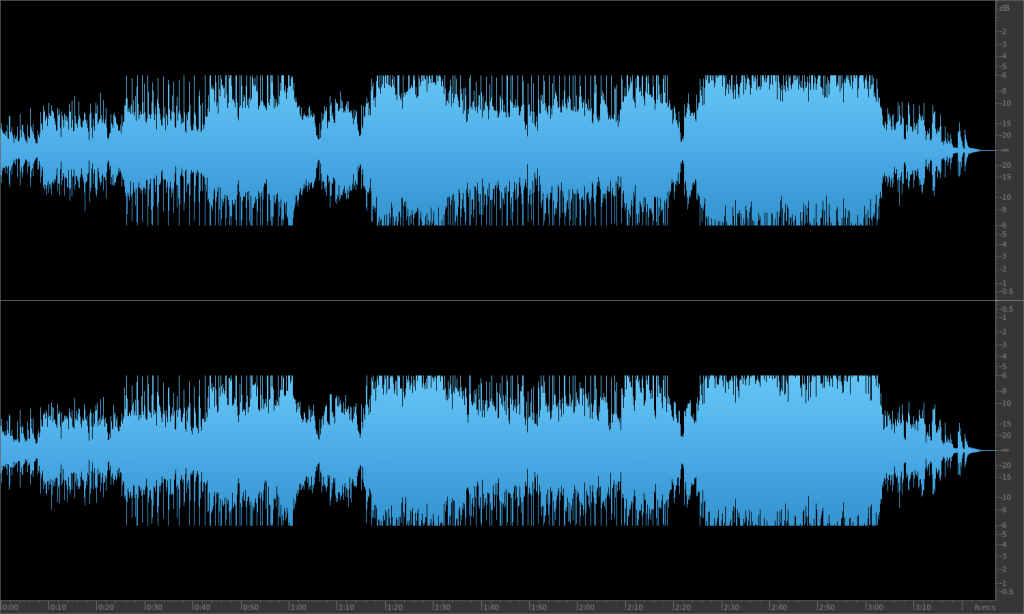
The engineer recalled noticing it looked “out of whack” during mixing but didn’t identify it as a problem.
Once the solo was processed through phase rotation correction:
- The waveform centered properly
- RMS value remained unchanged
- The mix nulled perfectly against the original
- Distortion disappeared entirely
The same automation, same mix, same mastering settings—no distortion.
Phase Rotation as a Foundational Mastering Step
Phase rotation correction exists for one primary reason:
- Headroom creation
In modern mastering environments, creating as much clean headroom as possible is essential.
Without correcting internal digital imbalance:
- Distortion appears earlier than expected
- Loudness targets become harder to achieve
- Files behave unpredictably
This is why phase rotation analysis is:
- One of the first scientific steps
- Addressed before any tonal or dynamic processing
- Critical for reliable, distortion-free mastering
“That’s the first stage.”