
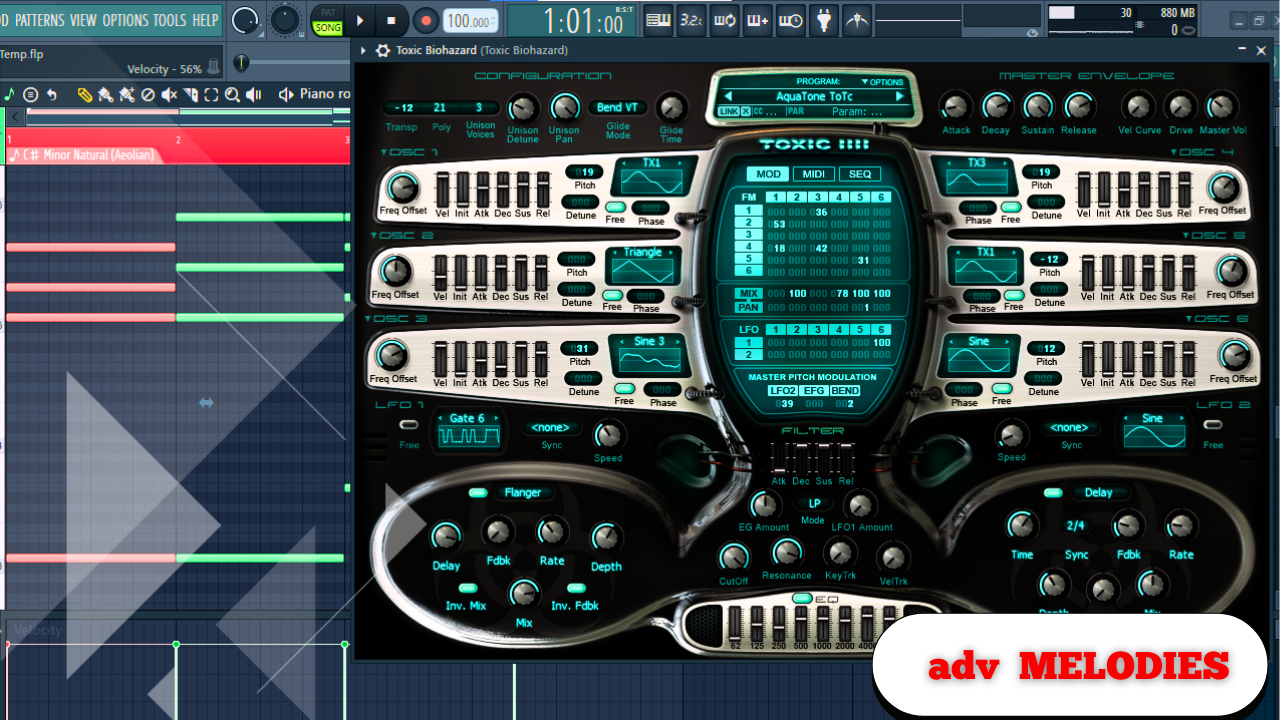
Advanced MELODIES in FL Studio: Avoid Overcomplicating Your Music
Creating advanced melodies isn’t about stacking as many notes as possible or making something complex just for the sake of complexity. The real objective is to build melodies that feel detailed, textured, and interesting, while still being usable, musical, and easy to build full beats around.
Before getting into any techniques, there are a few foundational ideas that must be understood. Ignoring these will almost always lead to wasted time, messy arrangements, and melodies that sound impressive on their own but fall apart once drums or vocals are introduced.
Advanced does not mean unusable.
The goal is complexity with intention, not complexity for no reason.
Sound Selection Is the Foundation of Everything
Sound selection is not an afterthought. It is the deciding factor in whether these techniques work or completely fall apart.
Every sound used should have a reason:
- Why it exists in the melody
- What space it fills
- How it contrasts or complements the other sounds
When sounds already work well together, building layered melodies becomes significantly easier. Instead of fighting clashing textures or frequencies, you’re able to focus on musical decisions, not technical fixes.
Good sounds make complex ideas simple to execute.
Step One: Start With Very Simple Chords
The process begins with extremely simple chords.
Rather than writing a complex progression right away:
- Lay down two basic chords
- Let them repeat
- Keep the rhythm straightforward
At this stage, simplicity is intentional. The complexity will come later through layering, movement, and texture—not from the chord progression itself.
Add Contrast Using a Second Chord Sound
Instead of adding another chord with the same instrument, introduce a second sound and play a different chord with it.
Key principles here:
- The two chord sounds should feel related
- But still have a noticeable contrast
- Similar tonal character, different texture or timbre
This approach immediately adds depth without clutter.
Same idea, different voice.
Fill the Empty Space With Texture
Once the core chords are in place, the next goal is to fill the gaps, not crowd the melody.
This is where textured sounds come in.
A textured sound works best when:
- It doesn’t overpower the chords
- It supports them harmonically
- It moves between chord moments
For example:
- Choosing notes that are part of the current chord
- Using notes that lead into the next chord
- Letting the sound occupy spaces where nothing else is happening
Slowly, the melody begins to feel like it’s building and responding to itself.
Think of Sounds as a Conversation
At this point, the melody should start to feel alive.
Each sound:
- Responds to another
- Fills a role
- Leaves room for the rest
Instead of one instrument doing everything, the idea is to split musical responsibility across multiple sounds.
One idea, divided across many instruments.
This creates:
- More complexity
- More texture
- More movement
Without sacrificing usability.
Introduce a Plucky, Contrasting Lead
To prevent everything from blending together, add a plucky or bell-like sound.
Why this works:
- Short sounds cut through sustained textures
- They create rhythmic interest
- They add clarity and contrast
The notes don’t need to be complicated:
- Start on a stable note
- Move upward using notes from the scale
- Follow a recognizable pattern
Patterns help the listener subconsciously understand what’s happening, even if the melody feels complex.
Use Patterns and Skips for Controlled Complexity
One important detail is intentional skipping of notes.
Skipping notes:
- Creates anticipation
- Makes the pattern feel intentional
- Sets up later movements in the melody
Even when notes seem random, patterns anchor them musically.
Reinforce Chords With Supporting Notes
Another supporting sound can be added to reinforce harmony.
This sound should:
- Follow chord tones
- Lead smoothly between chords
- Occasionally land on the top note of a chord to create lift
This upward movement helps the melody feel like it’s going somewhere, even within a loop.
Turn Chords Into Motion Using a “Delay-Style” Trick
A simple but effective technique is to duplicate chord notes and place a short, plucky sound immediately after the chord ends.
Think of it like:
- A rhythmic echo
- A musical afterimage
- A controlled delay without using an effect
Key considerations:
- Use a sound with short sustain
- Avoid overlapping too long
- Focus on contrast rather than fullness
This creates momentum without clutter.
Adding an Arpeggio for Movement and Energy
To add even more variation and arrangement flexibility, introduce an arpeggiated element.
This doesn’t need to be complicated.
A simple approach:
- Choose a root note or a note that sounds good consistently
- Focus on rhythm first
- Adjust pitches afterward
- Experiment with octave changes
The goal is push and pull—moments where the melody breathes, followed by moments of movement.
Space is just as important as sound.
Use Accents, Textures, and Phrases Strategically
Once the main melodic structure is established, accents can add polish and emotion.
These should be placed intentionally:
- In empty spaces
- During transitions
- At moments of resolution
Examples of effective placement:
- Leading into the next chord
- Highlighting a transition
- Resolving the loop emotionally
These details elevate the melody without making it busy.
Add a Simple Bassline for Grounding
A bassline doesn’t need to be complex to be effective.
Its role is to:
- Ground the harmony
- Support the chords
- Lock everything together
Small production details—like subtle panning of accents—can keep the loop engaging without distracting from the core idea.
Why This Approach Works
By the end of this process, the melody contains:
- Multiple layers
- Movement
- Texture
- Contrast
But importantly, it remains:
- Loopable
- Flexible
- Easy to arrange around vocals
You get complexity without chaos.
And because each element serves a purpose, the melody can be pushed in different directions—ambient, aggressive, minimal—simply by swapping sounds, adding distortion, or changing the rhythm section.
This is how advanced melodies stay musical, adaptable, and artist-ready.