
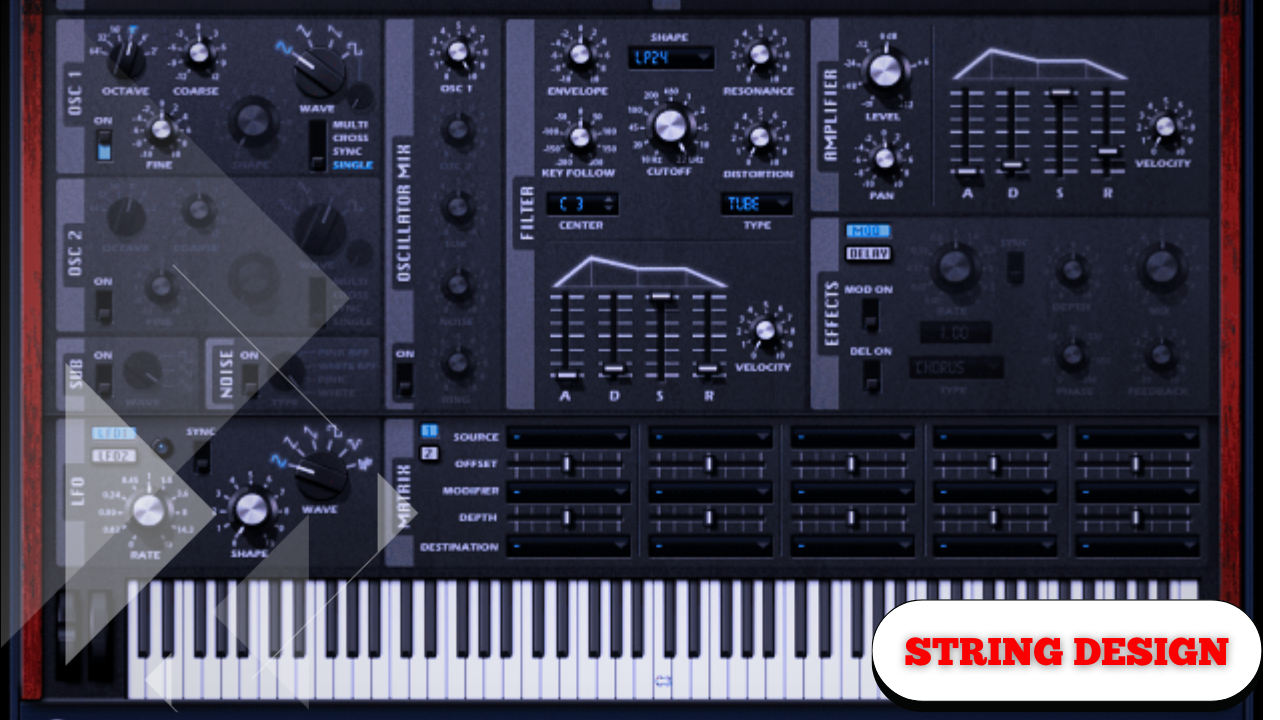
Crash Course on Designing a Synthesized String Section with Depth, Motion, and Realism
The entire process of creating a synthesized string section that is meant to feel sustained, bowed, emotional, and adaptable is covered in this lesson.
The goal is not to imitate orchestral strings perfectly but to build a full, expressive, mix-ready texture that behaves like a real string section in terms of dynamics, movement, and tone shaping.
Every step is intentional. Every parameter change serves a purpose.
The sound starts bright, buzzy, and exaggerated — then gradually becomes controlled, emotional, and musical.
You can follow this process with any polyphonic synthesizer that supports unison, envelopes, filters, modulation, and basic effects.
Oscillator Selection: Starting Bright to Sculpt Later
Choosing a Full, Buzzy Foundation
The sound begins with a saw wave on the first oscillator.
- Saw waves are rich in harmonics
- They provide a bright, aggressive starting point
- Sound can always be removed later, but cannot be added easily
While many wave shapes can work, the key idea is to begin with something:
- Very full
- Very buzzy
- Very bright
This creates enough harmonic content to later shape into a convincing string texture.
Unison and Detuning: Width and Imperfection
To thicken the sound and add stereo width:
- Increase unison to seven voices
- Reduce the detune amount
Depending on the synthesizer, this control may be labeled:
- Unison detune
- Stereo
- Voices
The goal is not an exaggerated supersaw, but controlled width — multiple voices slightly out of tune to create natural complexity.
Subtle detuning introduces movement and avoids a sterile, static tone.
Filtering: Removing Excess Brightness
Low-Pass Filtering for Control
Because the oscillator is intentionally bright, the next step is filtering.
- Enable a low-pass filter
- Use a gentle slope (6 dB per octave)
- Pull the cutoff down to around 100 Hz
This allows lower frequencies through while softly reducing the harsh top end.
Resonance and Drive Adjustments
- Reduce resonance to avoid sharp peaks
- Slightly increase drive for subtle saturation
The resonance reduction keeps the sound smooth, while the added drive introduces harmonic warmth that will become important later in the signal chain.
Amplitude Envelope: Shaping the Emotional Rise
Attack, Decay, Sustain, Release
The amplitude envelope defines how the sound evolves over time.
Recommended settings:
- Attack: ~1.5 seconds
Creates a slow, emotional rise typical of bowed strings. - Decay: ~5 seconds
Allows the sound to gently settle. - Sustain: –10 to –12 dB
Keeps the sound present without overpowering the mix. - Release: ≥500 ms
Prevents unnatural, abrupt cutoffs.
You hear the chords bloom, then gracefully fall back into place.
Attack time is context-dependent. Faster attacks feel more immediate; longer attacks feel cinematic and expressive.
Filter Envelope: Dynamic Harmonic Movement
To avoid a static tone, the filter should move with the sound.
Linking Envelope to Filter Cutoff
- Assign Envelope 2 to the filter cutoff
- Use a small modulation amount
Envelope shape:
- Attack: ~1 second
- Decay: 3–4 seconds
- Sustain: very low
As the note begins:
- The filter opens slightly
- High frequencies emerge with the volume
- The sound then settles back into warmth
As the sound swells, so does the brightness — then it gently recedes.
This subtle movement adds realism without sounding artificial.
Velocity Sensitivity: Performance Dynamics Matter
Without velocity sensitivity, every note sounds identical — and unrealistic.
Linking Velocity to Volume
- Reduce oscillator level slightly
- Map velocity → oscillator level
Result:
- Soft playing produces quiet, restrained tones
- Hard playing produces louder, more passionate sounds
Dynamics are essential. Without them, the sound feels lifeless.
Even when compression is used later, expressive input performance remains critical.
Global Quality Settings
Before moving to effects:
- Increase oscillator quality to maximum
This improves clarity and smoothness, especially noticeable in sustained harmonic material like strings.
Equalization: Removing Synthetic Artifacts
Controlled Frequency Shaping
An EQ is applied early in the effects chain.
- Roll off low frequencies below ~100 Hz
- Roll off high frequencies above ~4.5 kHz
- Adjust Q to avoid resonant peaks
This achieves two things:
- Reduces hiss and synthetic buzz
- Allows lower notes without overwhelming bass
The sound becomes smoother, more focused, and easier to place in a mix.
Distortion: Subtle Saturation for Body
Adding distortion might seem counterintuitive — but used carefully, it adds realism.
Tube-Style Saturation
- Apply light distortion to low and mid frequencies
- Use high drive, low mix
This introduces:
- Warmth
- Density
- Slight harmonic complexity
The effect is subtle but crucial for helping the sound sit properly in a mix, especially alongside other instruments.
Reverb: Space, Lushness, and Blend
Reverb is the most transformative effect in the chain.
Reverb Settings
- Light low-cut to avoid muddy lows
- Moderate wet mix
Immediately, the sound becomes:
- Spacious
- Lush
- Less synthetic
The reverb softens the edges and adds a subtle, almost brassy interaction in the low end.
Delay: Motion Without Obvious Repeats
Delay is added not for rhythmic echoes, but for movement.
Delay Characteristics
- Quarter-note timing
- High-frequency emphasis
- Low mix level
The goal is to avoid audible repeats and instead create:
- Swirl
- Depth
- Subtle motion
You don’t hear the delay — you feel it.
Optional Enhancements: Extracting the Final Percent
At this point, most of the sound is already complete. The following steps are refinements — subtle changes that add realism when combined.
Alternative Waveforms
Testing different wave tables can produce smoother results.
- Some analog-style waveforms feel less hollow
- Others maintain warmth while reducing harshness
Small waveform changes can significantly affect the emotional character.
FM Modulation for Complexity
Oscillator B as an FM Source
- Enable Oscillator B
- Set volume to zero
- Use a basic analog shape
- Apply FM modulation to Oscillator A
Used sparingly, FM:
- Adds complexity
- Helps the sound coexist with other instruments
Too much FM destroys the sound; a small amount enhances texture.
Micro-Detune and Unison Movement
Adding additional unison voices with reduced detune can introduce:
- Micro pitch variations
- Slight imperfections
- A feeling of looseness
Nothing feels perfectly locked — which makes it feel more real.
LFO-Modulated Detune: Natural Vibrato
Instead of modulating pitch directly:
- Assign an LFO to detune amount
- Use slow, subtle movement
This produces:
- Gentle vibrato
- Less artificial pitch wobble
Direct pitch modulation often sounds exaggerated; detune modulation feels organic.
Dynamic Vibrato Speed with LFO Interaction
An advanced technique involves modulating an LFO’s rate with another LFO.
Process:
- LFO 1 controls detune
- LFO 2 (in envelope mode) modulates LFO 1’s rate
Result:
- Vibrato starts slow
- Gradually increases over time
The sound evolves naturally instead of repeating mechanically.
Macro Assignments: Flexible Sound Shaping
Macros are assigned to key parameters such as:
- Filter cutoff
- Attack
- Release
- Effects depth
This allows dramatic reshaping of the sound without diving into individual controls.
One preset becomes dozens of usable variations.
This approach is especially useful for users with limited sound design experience while maintaining deep flexibility for advanced users.
Final Notes on Sound Construction
Most of the character is created early in the process — oscillator choice, envelopes, filtering, and velocity sensitivity.
The later steps:
- FM
- LFO modulation
- Micro detune
- Macro control
…are about extracting the last few percent of realism and expression.
When layered together, these subtle changes accumulate into a sound that feels alive, emotional, and responsive — exactly what a synthesized string section should be.