
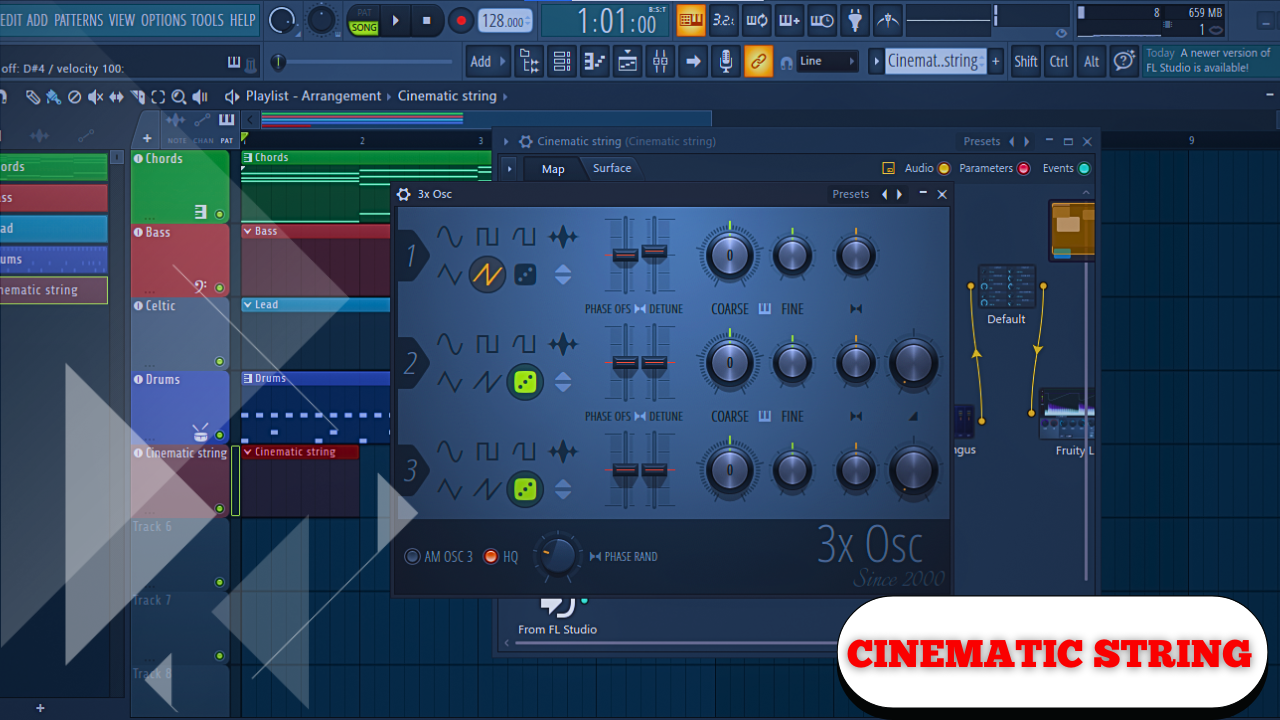
Crash Course on Designing a Cinematic String Section from Scratch
Creating a synthesized string section that feels cinematic, expressive, and adaptable does not require massive sample libraries or complex orchestral tools. With a carefully constructed signal path, subtle modulation, and intentional use of envelopes and effects, it’s possible to build a string sound that works on its own or blends seamlessly into many different styles of music.
This approach focuses on clarity, control, and flexibility—starting from an initialized patch and shaping the sound step by step until it behaves like a playable, evolving string ensemble rather than a static pad.
The result is a sound that works particularly well with long, sustained chords, but can also be pushed into grittier, more electronic territory when needed.
Although it starts as a sort of classical strings patch, it’s actually a very versatile instrument.
Sound Character and Musical Application
At its core, this synthesized string section delivers a cinematic feel—smooth, wide, and expressive. When played in a lower register, the sound can take on additional grit and density, making it suitable for:
- Ambient and cinematic scoring
- Electronic and hybrid orchestral music
- Textural layers beneath acoustic instruments
- Evolving pads with organic movement
By adjusting modulation depth, envelope timing, and effects intensity, the same patch can move between classical warmth and electronic edge without rebuilding the sound.
Initializing the Patch and Oscillator Setup
Everything begins from a blank slate.
Oscillator Configuration
- Start with Oscillator 1 set to a default sawtooth wave
- Enable 7 voices of unison
- Set detuning to approximately 7%
- Reduce both phase controls to zero to avoid clicks and pops
This creates a wide, harmonically rich base that naturally mimics the slight pitch differences between multiple string players.
Shaping the Tone with Filtering
Filter Settings
- Enable Filter 1
- Use an Analog 12 dB per octave filter
(A 6 dB slope can work even better if available) - Set cutoff around 450 Hz
- Reduce resonance completely
- Increase drive slightly to introduce gentle saturation
This filter placement removes excessive brightness and establishes the darker, smoother tonal foundation typical of string ensembles.
Defining the Amplitude Envelope
Envelope 1: Volume Control
The amplitude envelope determines how the sound fades in, sustains, and releases.
Recommended settings:
- Attack: ~1.5 seconds
- Decay: ~5 seconds
- Sustain: ~70%
- Release: ~2 seconds
These values produce a slow, swelling response, ideal for sustained chords and expressive phrasing.
At this stage, the sound already begins to feel orchestral—but realism comes next.
Adding Velocity Sensitivity and Polyphony Control
Velocity Response
Set velocity sensitivity to 100%, allowing the sound to respond dynamically to how hard the keys are played:
- Soft playing = quieter, gentler tone
- Harder playing = louder, more present sound
This small adjustment dramatically improves playability.
Voice Count
Increase polyphony to around 24 voices.
This ensures that sustained chords never cut each other off, even during dense passages.
Simulating Natural Brightness Changes with Filter Modulation
Real string players do not maintain a constant brightness. The tone subtly shifts throughout each bow stroke.
Envelope 2: Filter Movement
Envelope 2 is used to gently open and close the filter over time.
Suggested values:
- Attack: ~0.5–0.6 seconds (rounded curve)
- Decay: ~4–5 seconds
- Sustain: ~20–30%
- Release: ~0.1 seconds
Assign Envelope 2 to the filter cutoff, reducing the modulation amount to around 15. The effect must remain subtle.
Lowering the filter cutoff slightly further—closer to 400 Hz—can enhance realism.
Creating Organic Vibrato with LFOs
Subtle Detune-Based Vibrato
Rather than modulating pitch directly, vibrato is achieved by affecting unison detune.
LFO 1 Settings
- Set LFO to seconds mode
- Frequency: 1 second
- Assign to unison detune
- Modulation amount: ~0.06
This causes detuning to fluctuate gently—simulating multiple players applying vibrato at once.
Introducing Variation in Vibrato Speed
Constant vibrato feels mechanical. To avoid this, vibrato speed itself is modulated.
LFO 2 as a Modulator
- Shape LFO 2 into a ramp
- Set to seconds mode
- Duration: 4–5 seconds
In the modulation matrix:
- Assign LFO 2 → LFO 1 Frequency
- Set modulation amount to around 0.2
This creates vibrato that starts slowly, accelerates, then resets—mirroring how real players vary vibrato intensity.
The sound becomes less static and far more lifelike.
Enhancing Space and Texture with Effects
While external plugins work perfectly well, built-in effects can be highly effective.
Equalization
- Apply a low-cut filter to remove rumble
- Slightly reduce high frequencies to avoid fizz and harshness
Reverb
- Increase reverb mix
- Use a large size
- Set decay time anywhere between 4–5 seconds
This “glues” the sound together and places it in a cinematic space.
Delay
- Use a quarter-note delay
- Keep it mono
- Low feedback
- Very low mix level
The delay adds subtle depth without distracting from sustained chords.
Distortion
- Use soft clipping
- Increase drive modestly
- Reduce mix to 20–30%
Placed at the end of the chain, distortion adds density without overwhelming the tone.
Using Macros for Performance Control
Macros transform a static patch into a performance-ready instrument.
Examples:
- Macro 1: Control distortion drive
- Macro 2: Adjust reverb mix
More advanced setups allow one macro to control multiple effects, such as reverb and delay simultaneously. This enables expressive control without navigating the effects tab mid-performance.
Adding FM for Unique Timbre Blending
A subtle layer of frequency modulation adds character and cohesion.
FM Oscillator Configuration
- Enable 7 voices of unison
- Detune: ~10%
- Route through Filter 1
- Select FM from Oscillator 1
- Set FM amount to 30–35%
At low levels, FM reshapes the harmonic content, blending saw waves into a smoother, more orchestral texture.
It shifts the sound from an electronic pad toward something resembling a string section.
Adjusting Attack Time for Musical Context
Envelope 1’s attack is a crucial expressive parameter:
- Short attack: Immediate, powerful response
- Long attack (2–4 seconds): Slow, swelling evolution
This single adjustment dramatically changes how the sound behaves in a mix.
Why Use a Synth Instead of a Sample Library
There are several practical reasons to choose a synthesized string section over traditional sample libraries.
Resource Efficiency
- Minimal disk space usage
- Extremely low RAM consumption
Sample libraries often require tens or hundreds of gigabytes, while a synthesizer uses virtually none.
Speed and Workflow
- Presets load in seconds
- Projects open faster
- Ideas can be captured immediately without waiting for samples to load
Accessibility
- The synthesizer used here is completely free
- High-quality string sample libraries rarely are
Creative Engagement
Designing realistic sounds on a synthesizer forces a different way of thinking—analyzing motion, dynamics, and perception rather than relying on pre-recorded performances.
There are still times when meticulously detailed sample instruments are necessary. But in many cases, a synthesizer can take you most of the way there with far greater flexibility and efficiency.