
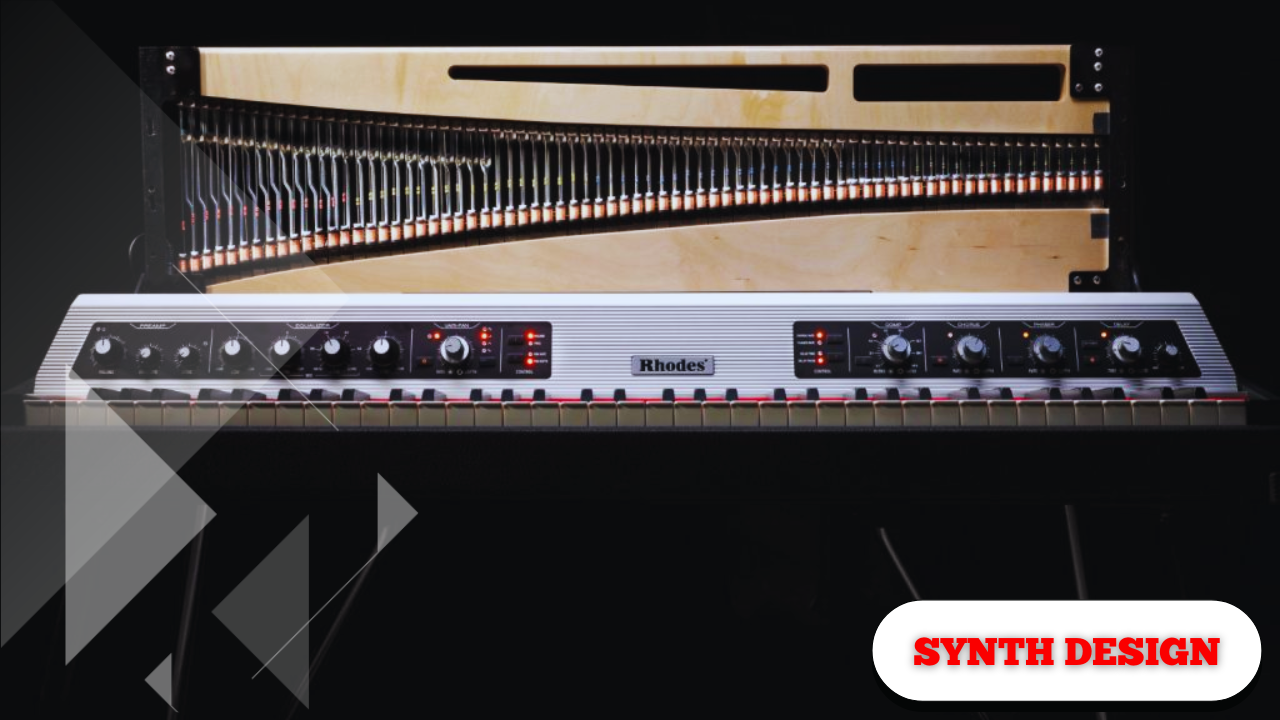
Design a Realistic Electric Piano (Rhodes-Style) Sound in a Synth | Crash Course.
Creating a convincing electric piano or Rhodes-style sound inside a synth is completely achievable with a thoughtful approach to tone, dynamics, and subtle movement. While the process described here uses Serum as a reference point, the same principles apply to virtually any subtractive or wavetable synthesizer.
This is an incredibly versatile sound—smooth, expressive, and responsive to touch. It can sit gently in a mix or open up into something wide and spacious with the right effects. Most importantly, it reacts to how it’s played: soft playing stays quiet and intimate, while more energy brings out volume and character.
At its core, this sound is built from three essential parts:
- The harmonic and tonal foundation
- The mechanical “hammer” element
- The effects chain that adds depth and texture
Each part plays a specific role in delivering realism and musicality.
The Three-Part Structure of the Sound
The Harmonic and Tonal Core
This is the body of the sound—the smooth, musical tone that sustains when a key is held. It provides the warmth and pitch stability associated with classic electric pianos.
The Mechanical Attack (Hammer Emulation)
This element simulates the keys being pressed and a hammer being struck. It adds realism by giving each note a subtle percussive impact at the start.
Without this transient detail, the sound can feel flat or synthetic.
The Effects Layer
Reverbs, choruses, filters, and EQ shape the space, width, and smoothness of the sound. These effects are what turn a basic patch into something lush, expressive, and playable.
Initializing the Patch and Choosing the Oscillator
Start from an initialized patch so everything is built from scratch.
Oscillator Selection
Choose a sine-based waveform:
- A standard sine wave works well
- A sine with slightly enhanced harmonics works even better
This provides a clean, smooth starting point that won’t sound harsh or brittle.
The sine wave is the foundation of many classic electric piano tones.
Shaping the Amplitude Envelope (ADSR)
The amplitude envelope defines how the sound behaves over time.
Envelope Settings
- Attack: ~10 ms
Softens the initial hit and avoids clicks - Decay: ~2 seconds
Allows the sound to settle naturally - Sustain: Around –10 dB
Keeps the sound present but controlled - Release: Between 50–100 ms
Prevents abrupt cutoffs
Add a bit of tension to the envelope curve so the sound feels plucky yet smooth.
This creates a soft but articulate envelope—there’s a gentle pluck at the start, followed by a stable tone.
Depending on the style you want, you may choose to pull the sustain even lower. The flexibility here is intentional.
Controlling Brightness with a Filter Envelope
Filter Type
- Low-pass filter
- 12 dB per octave slope
This subtly removes high frequencies that can make the sound too sharp.
Envelope Modulation
- Apply a second envelope to the filter cutoff
- Use a similar shape to the amplitude envelope
- Modulate the cutoff so higher notes don’t become shrill
This keeps the tone balanced across the keyboard, especially in the upper register.
Adding Width with Subtle Unison
Unison can easily push a sound into overly electronic territory, so restraint is key.
Recommended Settings
- Voices: Around 5
- Detune: Pulled almost all the way down
This creates:
- A subtle stereo width
- A warm, slightly vintage feel
- No excessive phasing or “spacey” artifacts
The goal is width without losing that old-fashioned, retro character.
Introducing Pitch Drift for Vintage Warmth
To emulate the natural instability of classic instruments, introduce controlled pitch movement.
Using an LFO as an Envelope
- Shape the LFO so it starts high and quickly falls
- Convert the LFO into one-shot envelope mode
- Modulate the fine pitch of the oscillator
- Amount: roughly 15–30 cents, very subtle
Each note begins slightly sharp and gently settles into tune.
It’s not enough to sound out of key—just enough to feel alive.
This tiny drift adds warmth, motion, and an unmistakably vintage quality.
Adding Tremolo with Volume Modulation
Electric pianos often feature tremolo, and this can be recreated easily.
Tremolo Setup
- Use a second LFO
- Modulate the oscillator level
- Keep modulation depth very small
- Set rate around 1/8
The result is a gentle rise-and-fall in volume that adds movement without being distracting.
Making the Sound Velocity Sensitive
Velocity sensitivity is critical for realism.
Velocity Mapping
- Link velocity to oscillator level
- Increase the modulation amount fully
- Shape the velocity curve:
- Shallow at lower velocities
- Steeper toward higher velocities
This makes the patch:
- Quiet and delicate when played softly
- Louder and more expressive when played with energy
A curved velocity response often feels more natural than a linear one.
Creating the Hammer Noise
Now it’s time to add the mechanical character.
Noise Oscillator Setup
- Disable the main oscillator temporarily
- Enable the noise oscillator
- Choose a short, percussive noise source
Muted guitar-style noises work particularly well - Enable one-shot playback
Shaping the Attack
- Turn the noise level up initially
- Pitch the noise down significantly
- Adjust until it resembles a soft hammer strike
When combined with the tonal oscillator, this produces a distinct thump at the start of each note.
This transient detail is what gives the sound realism and physical presence.
The level can be adjusted later to fit the mix.
EQ and Low-End Control
Before adding space and modulation, clean up the frequency balance.
High-Pass Filtering
- Add an EQ
- Apply a high-pass filter
- Cut around 100–150 Hz
- Lower the Q slightly
This removes excessive low-end buildup while keeping the sound manageable.
Adding Chorus for Width and Smoothness
Chorus plays a major role in shaping the character.
Chorus Settings
- Leave most parameters at default
- Raise the internal low-pass filter
- Adjust the mix to taste
A small amount adds richness and width. Too much can overwhelm the sound.
Even subtle chorus can dramatically change how the sound sits in space.
Reverb for Space and Depth
Reverb transforms the sound from dry to immersive.
Reverb Approach
- Keep the mix restrained
- Apply a low cut to reduce muddiness
- Gradually increase mix until it feels spacious but controlled
The goal is depth without washiness.
Final Smoothing with a Gentle Low-Pass Filter
High notes can sometimes feel sharp or brittle.
Final Touch
- Add a gentle low-pass filter or EQ
- Slightly lower the cutoff
This preserves brightness while ensuring smoother highs across the keyboard.
Expanding the Sound Further
Sound design doesn’t have to stop here.
You can:
- Stack additional effects
- Process externally on the mixer
- Automate parameters for movement
- Adjust macros for real-time control
Do whatever it takes to make the sound work perfectly for the song it’s used in.
The flexibility of this design is what makes it so powerful.
This entire approach results in a responsive, expressive, and realistic electric piano sound that feels alive under the fingers—capable of subtle intimacy or wide, textured depth depending on how it’s shaped and played.