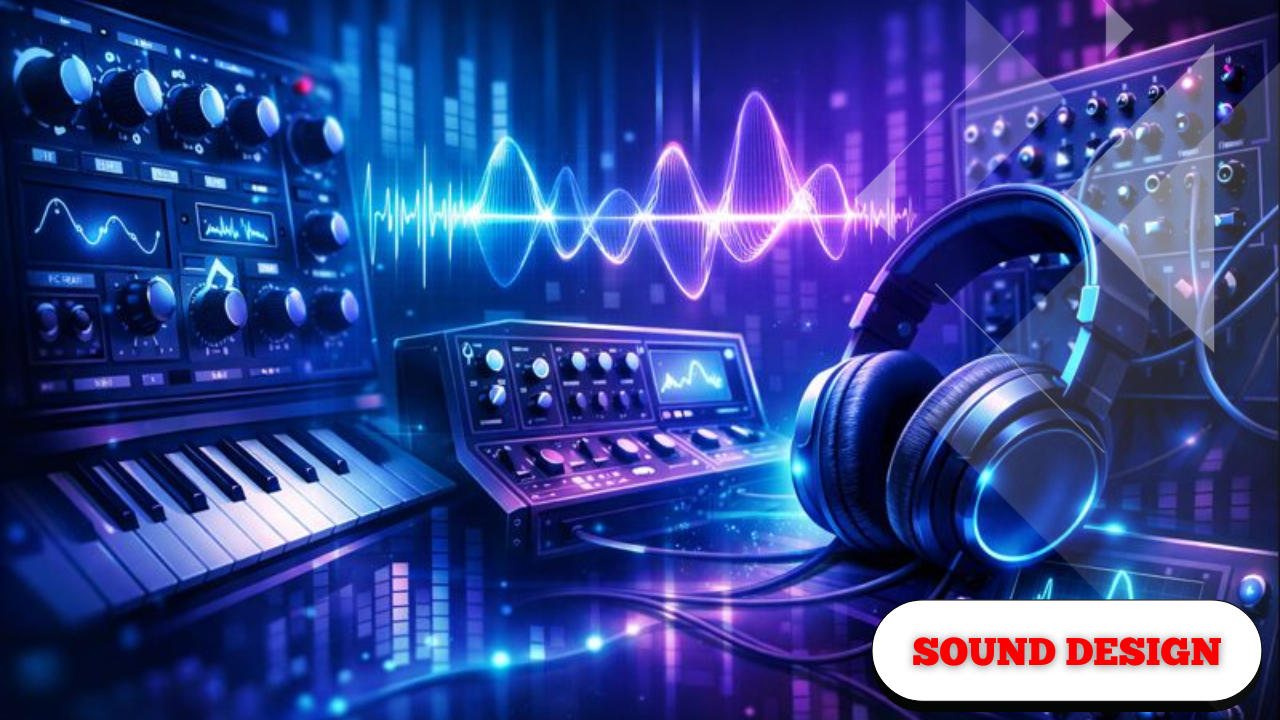
Sound Design and Synths MasterClass
The goal here is simple: understand how a synthesizer works well enough that you can start creating almost any sound you want. Everything is built from a few core concepts, and once those are clear, sound design stops feeling mysterious and starts feeling intentional.
All the tools referenced are free, and everything discussed can be followed with nothing more than a computer. A MIDI keyboard helps, but it isn’t required. What matters is understanding how the pieces fit together.
The Tools and Visual Aids Used for Learning
Before diving into sound design itself, it helps to understand the environment.
The synthesizer used throughout is Vital, a free and powerful wavetable synth that can run either standalone or inside a DAW. It’s flexible enough to demonstrate all the core synthesis concepts without getting in the way.
To better understand what’s happening under the hood, two visual tools are used:
- A frequency spectrum, showing where energy exists across low, mid, and high frequencies
- An oscilloscope, showing the actual waveform shape over time
These visuals make it much easier to connect what you hear to what’s actually happening.
Seeing sound makes understanding synthesis significantly easier.
Oscillators and Waveforms: Where Sound Begins
What an Oscillator Does
The oscillator is where sound is generated. Every synthesizer has at least one, and many allow multiple oscillators to run at once.
An oscillator creates sound by repeating a waveform at a specific pitch. Different waveforms produce very different tonal characteristics, even when playing the same note.
Most synths allow control over:
- Level (loudness)
- Pan (left or right)
- Pitch
- Wave shape
The Four Fundamental Wave Shapes
These four shapes form the foundation of most synthesized sounds.
1. Sine Wave
The sine wave is the simplest waveform.
- Contains only one harmonic
- Sounds pure and smooth
- No extra frequency content
Visually, it’s a clean curve. On a frequency analyzer, it appears as a single spike.
Common uses:
- Sub bass
- Bass reinforcement
- 808-style sounds
Lower-octave sine waves are often used to reinforce the low-end of more complex sounds.
2. Triangle Wave
The triangle wave is slightly more complex.
- Adds subtle harmonics
- Still smooth and controlled
- Sits between sine and saw in complexity
It’s useful when you want presence without harshness.
3. Sawtooth Wave
The saw wave is extremely harmonically rich.
- Strong mid and high-frequency content
- Bright and aggressive
- Very loud compared to other shapes
Because it contains so much information, it’s one of the most versatile starting points.
Common uses:
- Pads
- Leads
- Basses
- Strings
You can remove harmonics from a saw wave, but you can’t add harmonics that aren’t there.
4. Square Wave
The square wave is also rich in harmonics but has a very different texture.
- Bold and hollow
- Distinctive character
- Strong tonal identity
Even with the same note, it sounds completely different from a saw wave.
Amplitude Envelopes: Shaping Volume Over Time
By default, a sound might feel like it’s simply on or off. That’s where envelopes come in.
The ADSR Envelope
Most synths use an ADSR envelope:
- Attack – how long it takes to reach full volume
- Decay – how long it takes to fall from peak to sustain
- Sustain – the level held while a key is pressed
- Release – how long it takes to fade after releasing the key
Time is represented horizontally, volume vertically.
This single envelope can completely change how a sound feels.
Common Envelope Shapes
- Short attack + short decay + low sustain → plucked sounds
- Long attack + long release → pads and evolving textures
- High sustain → held, organ-like tones
Envelopes turn static tones into expressive instruments.
Unison: Creating Width and Thickness
With only one voice, a synth can sound thin and centered.
Unison solves this by stacking multiple voices of the same oscillator.
What Unison Does
- Adds multiple voices per note
- Slightly detunes each voice
- Creates width and stereo spread
As voices increase, the sound becomes wider and more spacious.
Detuning Matters
Detune controls how far each voice is shifted from the others.
- Too little detune → narrow sound
- Too much detune → unstable or sour
A useful guideline:
- More voices = less noticeable detune
- Fewer voices = detune must be subtle
Wide doesn’t mean better—balance is key.
Filters: Sculpting Frequency Content
Filters remove or emphasize parts of the frequency spectrum, similar in concept to EQ but more dynamic.
Common Filter Types
- Low-pass (high cut) – removes high frequencies
- High-pass (low cut) – removes low frequencies
- Notch – removes a narrow band
Cutoff frequency determines where the filter acts.
Resonance
Resonance adds emphasis at the cutoff point.
- Low resonance → smooth filtering
- High resonance → pronounced, whistling character
Used carefully, resonance adds character and focus.
Filter Envelopes: Movement That Follows the Sound
One major advantage of filters over static EQ is modulation.
A filter can be controlled by an envelope so it moves over time with the sound.
How Filter Envelopes Work
- The envelope opens the filter
- Then closes it again
- The movement follows the ADSR shape
This creates:
- Filter plucks
- Sweeps
- Expressive attacks
The sound starts to feel alive instead of frozen.
LFOs: Continuous Motion and Rhythm
An LFO (Low Frequency Oscillator) is similar to an envelope, but instead of triggering once, it loops continuously.
Key Differences
- Envelope → triggers once per note
- LFO → oscillates continuously
Common Uses
- Filter wobble
- Stereo panning
- Subtle movement
- Rhythmic pulsing
LFOs can be:
- BPM-synced
- Time-based
- Fast or extremely slow
LFOs introduce motion that never stops.
Designing a Pluck Bass Through Layering
Using the same principles, more complex sounds can be built.
Step-by-Step Approach
- Start with a saw wave
- Shape volume with a short envelope
- Transpose down an octave
- Use a low-pass filter to remove excess highs
- Apply a filter envelope for pluck movement
- Add a second oscillator:
- Fewer lows
- More stereo width
- Blend both oscillators together
The result:
- Solid low-end foundation
- Controlled brightness
- Added width without losing punch
Effects: Polishing the Sound
Once the synth itself sounds right, effects help finalize the tone.
Common Effects Used
- Reverb – adds space and depth
- Distortion – adds grit and aggression
- Delay – creates echoes and movement
- Chorus – enhances width
Vital includes an internal effects section, making it easy to experiment without external routing.
Effects enhance a sound—they don’t replace good synthesis.
All Sounds Follow the Same Core Principles
Whether designing:
- Leads
- Pads
- Strings
- Pluck basses
They all start the same way:
- Choose a waveform
- Shape the envelope
- Apply filtering
- Add modulation
- Refine with effects
Different results come from how these steps are combined, not from completely different techniques.
Sound design is repetition with intention.
Understanding these fundamentals opens the door to endless variation, experimentation, and control—without needing complex or expensive tools.